
Creating a cozy and productive home office space is essential for anyone working remotely or managing tasks at home. A well-designed workspace can enhance focus, reduce stress, and improve overall work performance. Whether you have a dedicated room or just a corner in your living area, with a few thoughtful adjustments, you can transform it into a comfortable and efficient office.
Choose the Right Location
Finding the best spot for your home office is the first step. Ideally, pick a quiet area with minimal distractions where you can focus easily. If possible, select a room with natural light, such as near a window, which helps boost mood and energy levels.
Consider the Following:
– Lighting: Natural light is best, but supplement with adjustable lamps for overcast days or late work hours.
– Noise Level: Avoid high-traffic areas in your home. Consider noise-canceling headphones if quiet space isn’t available.
– Privacy: A door or screen divider can help separate work from home life, minimizing interruptions.
Invest in Comfortable and Functional Furniture
Your furniture plays a crucial role in both comfort and productivity. Spending long hours sitting means ergonomic chairs and desks are a must.
Tips for Choosing Furniture:
– Ergonomic Chair: Look for adjustable back support, height, and armrests. Comfort reduces physical strain.
– Desk Height: Your desk should allow your arms to rest comfortably at a 90-degree angle when typing.
– Storage: Incorporate shelves, drawers, or organizers to keep your workspace clutter-free.
Organize Your Space for Efficiency
A tidy workspace helps clear your mind and keeps you on track.
Organizational Ideas:
– Use desk organizers for pens, notebooks, and gadgets.
– Store files and papers vertically with folders or binders.
– Cable management tools keep cords from tangling.
– Regularly declutter to avoid accumulation of unnecessary items.
Personalize Your Office
Adding personal touches makes your office feel inviting and helps boost motivation.
Ways to Personalize:
– Display photos or art that inspires you.
– Choose colors for walls or accessories that you find calming or energizing.
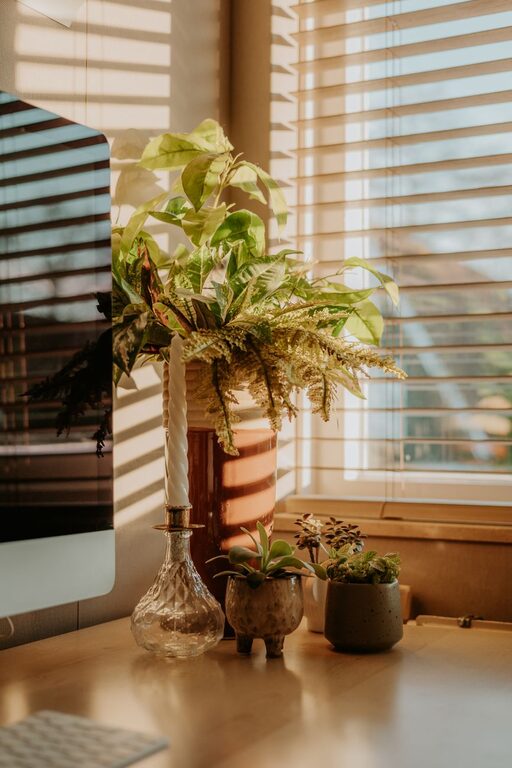
– Include plants which improve air quality and add a natural element.
Optimize Technology and Tools
Efficient technology supports smooth workflow.
Considerations Include:
– A reliable computer or laptop suited for your work needs.
– High-speed internet connection.
– External keyboard or mouse for comfort.
– Headphones or speakers for conference calls.
– Good quality webcam and microphone.
Balance Lighting and Ambience
Lighting quality affects your productivity and eye health.
Lighting Tips:
– Use a combination of ambient, task, and accent lighting.
– Position your computer screen to avoid glare.
– Consider using a lamp with adjustable brightness levels.
Establish a Routine and Boundaries
Creating a routine in your home office environment helps maintain focus.
Suggestions:
– Set specific work hours.
– Take regular breaks to avoid burnout.
– Communicate your schedule to household members to minimize interruptions.
Incorporate Comfort and Wellness
Comfort doesn’t just come from furniture; it also means maintaining good posture and overall well-being.
Ideas to Stay Comfortable:
– Keep a water bottle nearby to stay hydrated.
– Use a footrest if your feet don’t reach the floor.
– Add a small fan or heater to regulate temperature.
– Stretch regularly to reduce stiffness.
Decorating Ideas for a Cozy Feel
Creating a warm, welcoming environment makes work more enjoyable.
Simple Decor Tips:
– Soft rugs can add comfort and reduce noise.
– Cushions or throws on chairs create a homier touch.
– Use warm colors or textured materials to add coziness.
—
Designing a cozy and productive home office space is about combining comfort, organization, and functionality. By selecting the right location, investing in good furniture, and personalizing your area, you can create an environment that supports your best work every day. Remember, a well-designed workspace is a key ingredient in staying motivated and efficient while working from home.
About the Author
